Phishing SMS scams
Published
In this article: ► Scam SMS content typically impersonates a bank or a well-known service provider ► The usual aim is to trick users into clicking a link or downloading malware ► The crimes committed include moving money out of your bank account
Phishing is nothing new. It has traditionally appeared in email and on websites, impersonating a well-known official site or announcement so that users lower their guard and give up login credentials and passwords, which are then used illegally elsewhere.
More recently, SMS impersonating banks has appeared. The content tricks the user into clicking a link, entering their banking username and password, and the money is then transferred out.
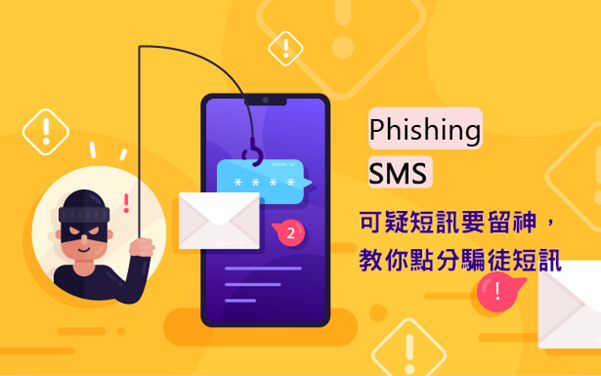
Common approaches include:
- You have added a new payee. If you did not request this, please go to
https://xxxxxxxx - A standing transfer instruction has been set up. If this was not you, cancel it at
https://xxxxxxxx - Your banking service has been suspended. Log in to reactivate mobile banking at
https://xxxxxxxx - An invitation to log in and claim a prize
You will notice these messages generally include a hyperlink. Believe it and click, and you are taken to a phishing site, or asked to download malicious software. Fall for it, fill in the form or install the software, and your personal data has formally been harvested. On Hong Kong’s registered Sender ID scheme, see Registering a # Sender ID in Hong Kong — a practical guide to the OFCA scheme. For recent Hong Kong and Taiwan cases, where to report them, and what SMS providers can do to stop scams, see How Scammers Use SMS: Hong Kong & Taiwan Cases, Consumer Defences, and What Providers Can Do.
The cybercrime that follows may be:
- Moving funds out of your account
- Attempting to apply for a loan or credit card in your name
How do we avoid it?
- Note that banks generally do not send hyperlinks by SMS asking for login credentials, and will not ask you to provide a password
- Consider first whether the behaviour described is credible. The scammer’s aim is to make you feel confused, which raises the chance you fall for it
- Do not reply to messages of unknown origin. Verify the sender’s identity first — but do not use the contact details in the message itself as the verification route
- Do not casually click a link relating to account information. Think twice before tapping a link
- Fraudulent sites and URLs usually contain unusual letters, digits or Latin characters faking an official identity
- Do not disclose personal data casually — protect your own interests